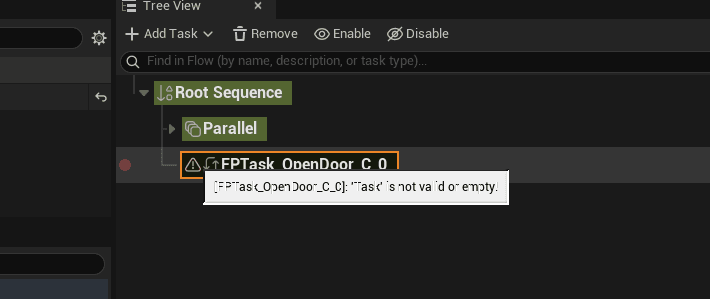
Creating Your Own Task
A Task has a short life: Setup once per flow execution, Enter when it starts, Tick every frame until it finishes, then Exit. A Task finishes when it calls Finish Task (success or fail), or when its C++ Tick returns Succeeded or Failed. A Task that never finishes keeps its flow waiting.
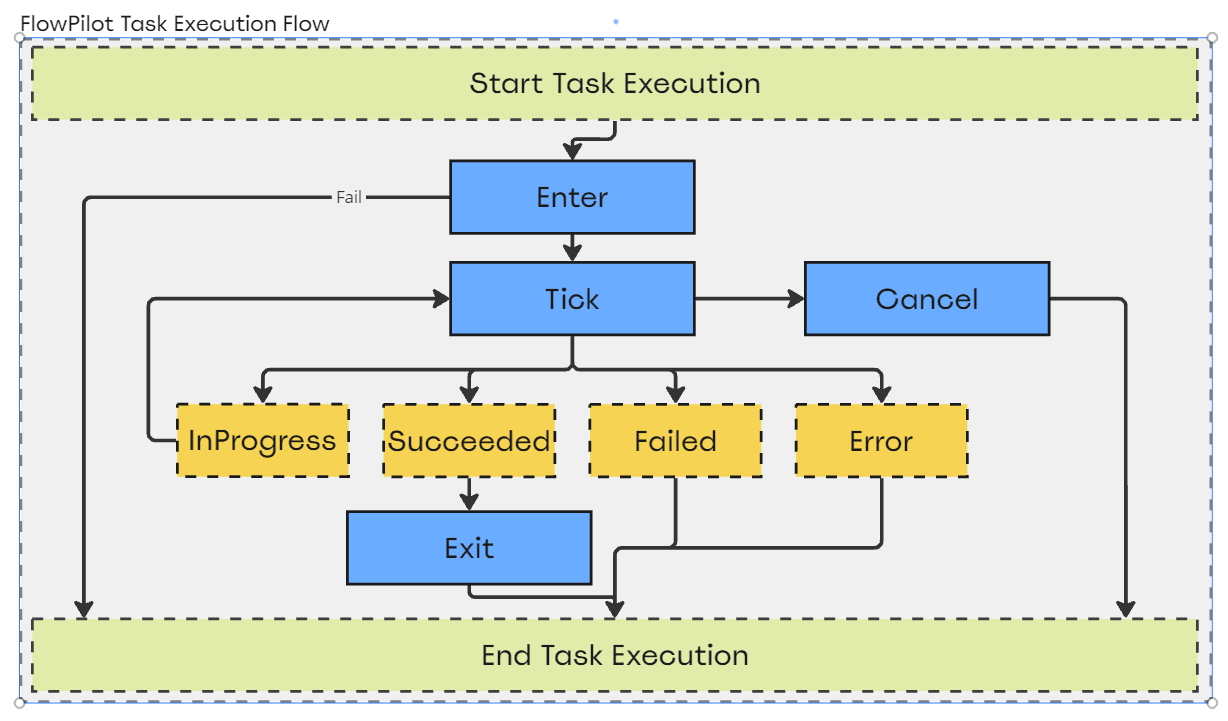
Blueprint Task
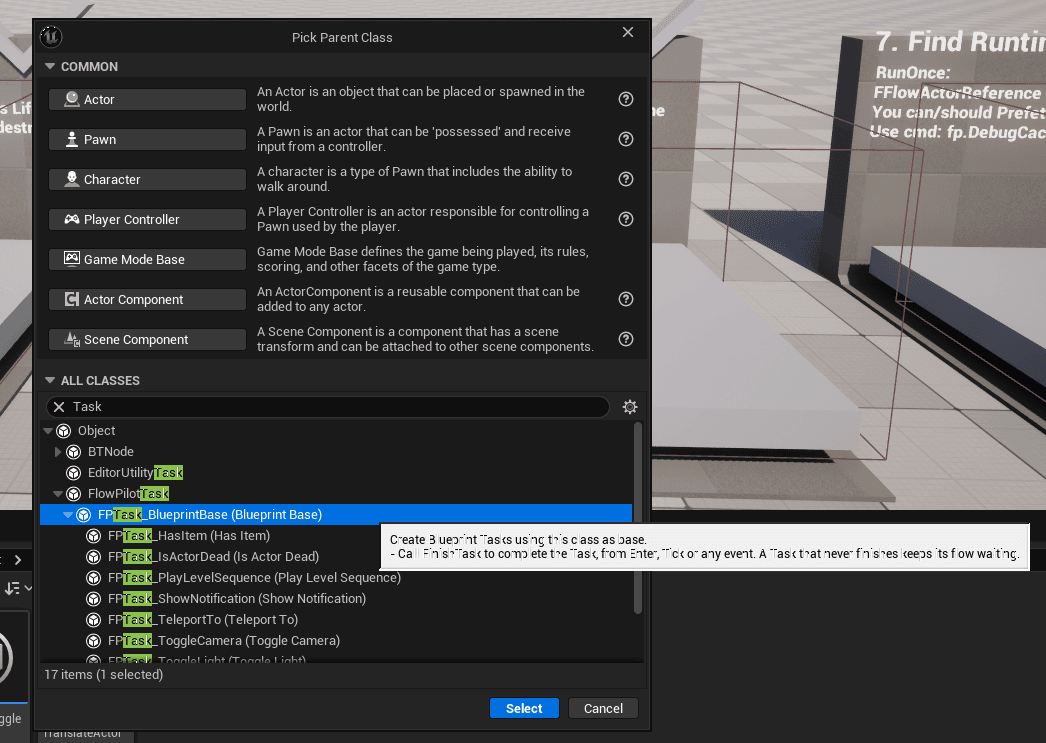
Create a Blueprint Class and pick Blueprint Base (
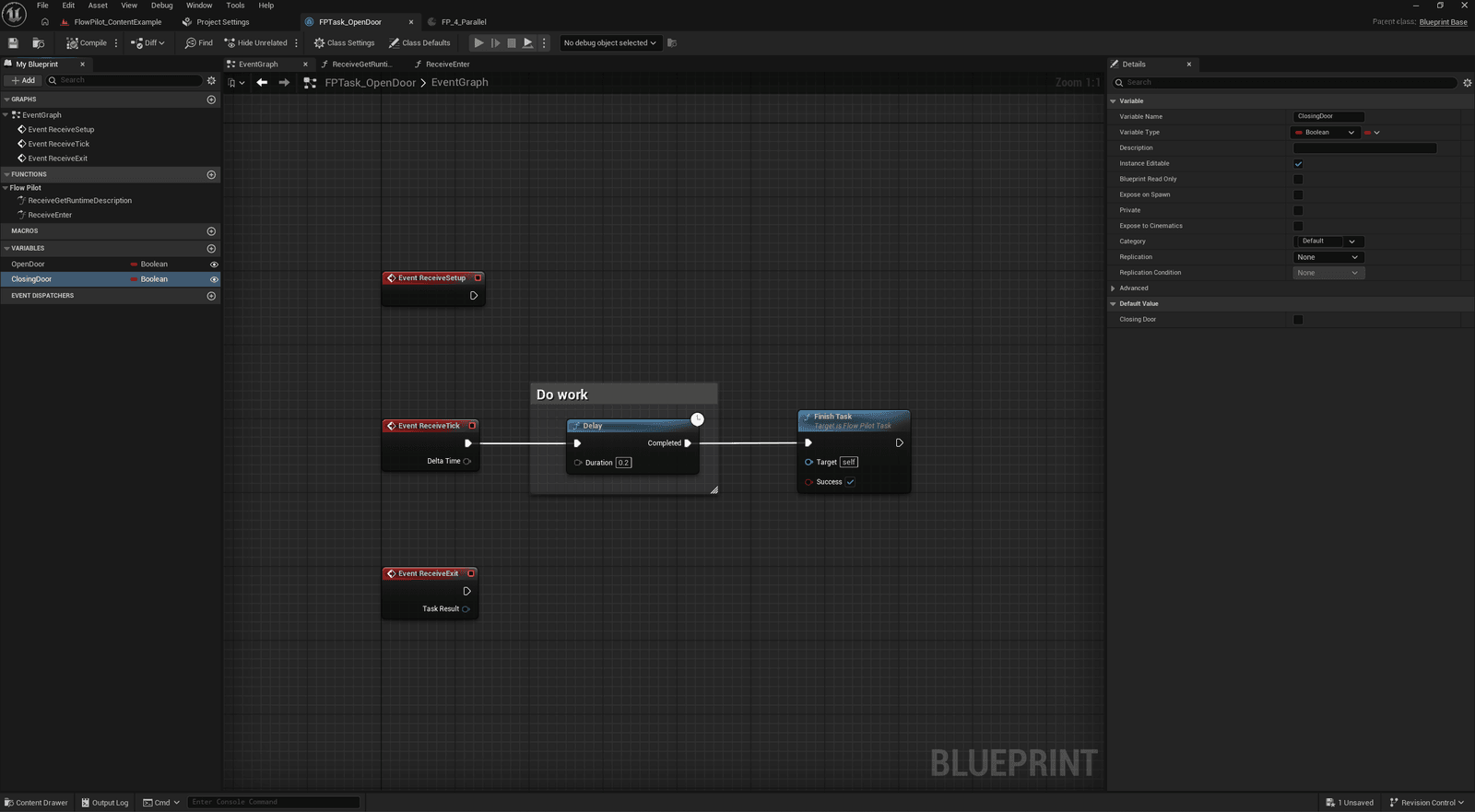
FPTask_BlueprintBase) as its parent. Name it, for exampleFPT_OpenDoor.Add variables for its settings and tick Instance Editable: they appear in Task Details when the Task is selected.
Implement the events you need:
Event When Notes Receive Setup Once per flow execution Cache references here. Receive Enter The Task starts Return true. Returning false stops the flow with an error. Receive Tick Every frame while running Call Finish Task when done. Receive Exit The Task ends, with its result Unbind events, clear timers. Receive Get Runtime Description While the in-game overlay shows the Task Add lines such as Door: 40% open.Call Finish Task from Enter for instant Tasks, or from Tick or an event (a timeline finishing, an overlap) for Tasks that take time.
Use Get Flow Pilot Owner Actor, Get Flow Pilot Component and Get World Context to reach the world.
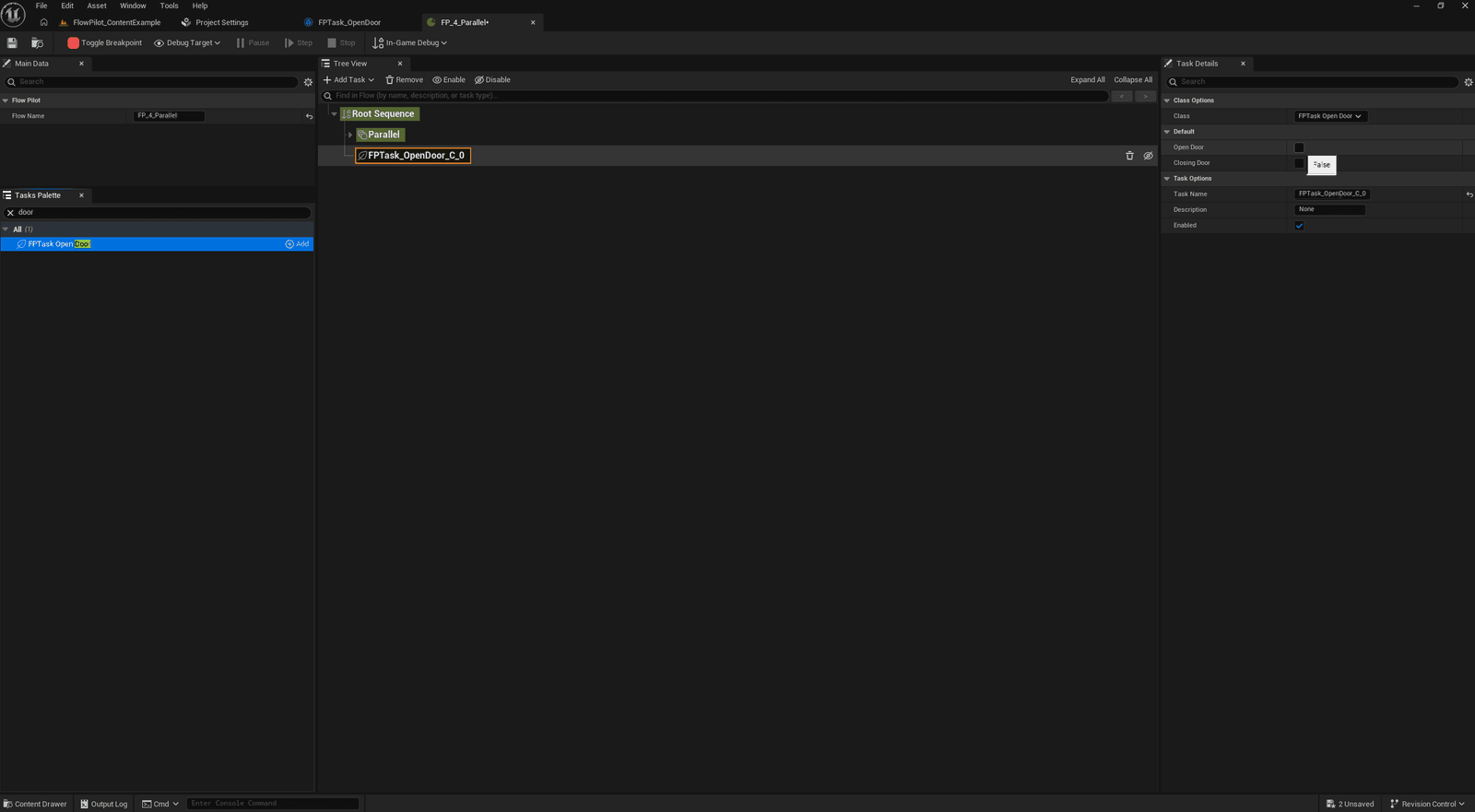
Compile and save. The Task shows up in the Tasks Palette and Add Task menus right away. Set Blueprint Category in Class Settings to choose its Palette category (empty = All).
C++ Task
Derive from UFlowPilotTask. Category groups the Task in the Palette, and DisplayName is the name users see.
// Waits until an Actor exists, e.g. one spawned by another flow.
UCLASS(Category="Gameplay", DisplayName="Wait For Actor")
class UFPTask_WaitForActor : public UFlowPilotTask
{
	GENERATED_BODY()

public:
	virtual bool Enter() override;
	virtual EFPTaskResult Tick(float DeltaTime) override;

protected:
	// Actor to wait for: Self, In Level, or found at Runtime by GameplayTag
	UPROPERTY(EditAnywhere, Category="FlowPilot")
	FFlowActorReference ActorReference;
};

bool UFPTask_WaitForActor::Enter()
{
	Super::Enter(); // Always call Super first
	return true;
}

EFPTaskResult UFPTask_WaitForActor::Tick(float DeltaTime)
{
	Super::Tick(DeltaTime);
	const bool bFound = GetFlowPilotComponent()->FindSingleActor(ActorReference) != nullptr;
	return bFound ? EFPTaskResult::Succeeded : EFPTaskResult::InProgress;
}
Always call Super
Call Super in Enter, Tick and Exit. It tracks the Task state shown by the Tree View, the debugger and the in-game overlay, and breakpoints hook into it.
Optional overrides:
| Override | Use it to |
|---|---|
Exit(EFPTaskResult) | Clean up delegates and timers. |
GetRuntimeDescription(TArray<FString>&) | Show live values in the in-game overlay (non-shipping builds). |
IsTaskDataValid(FDataValidationContext&) | Show a warning icon in the Tree View when settings are missing (editor). |
GetBrush() | Pick the icon shown in the Tree View and Palette (editor). |
ForEachActor(...) | Run code on every Actor a Flow Actor Reference resolves to. |
Tasks that hold other Tasks derive from UFlowPilotParent, like Sequence and Parallel.